Shopify Localization: How to Build a Multilingual Store
Rajat Agarwal
November 15, 2025· updated August 29, 2026
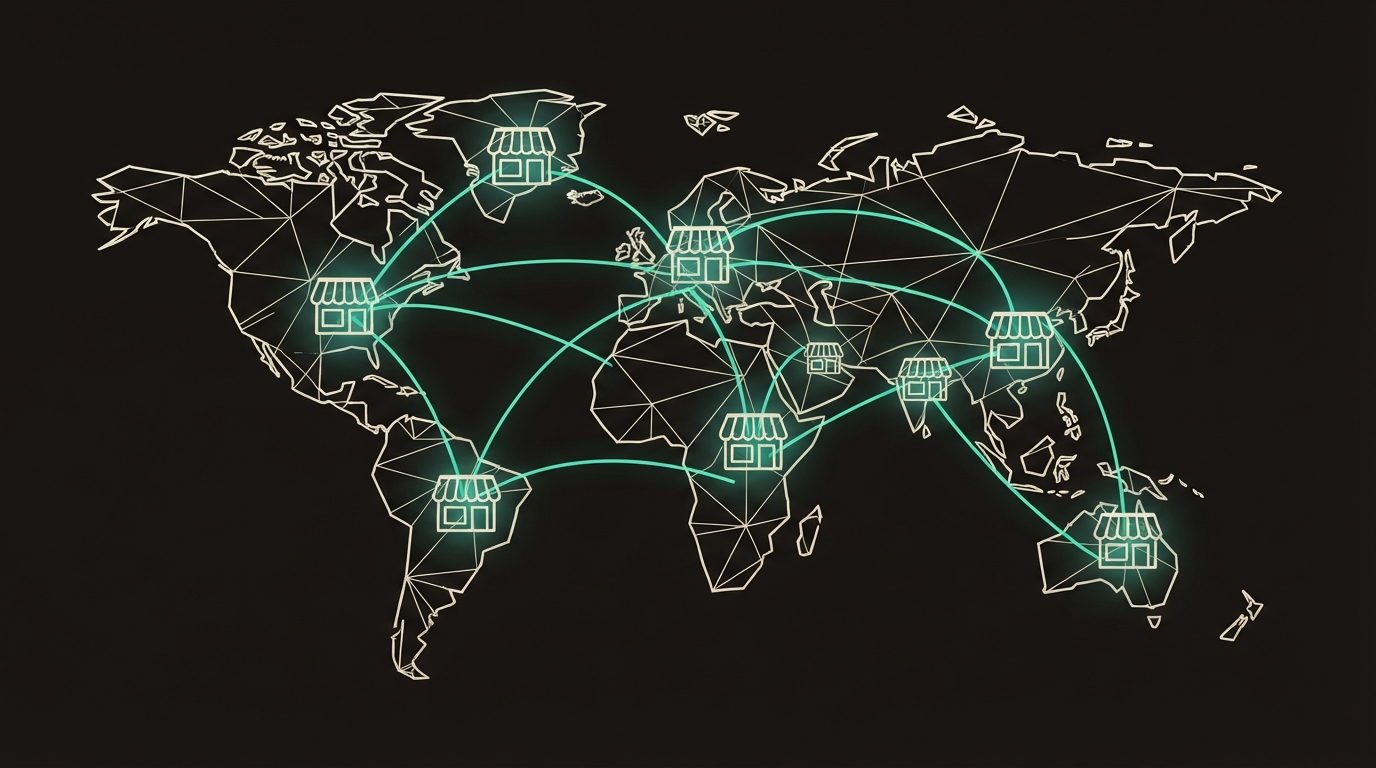
If you sell on Shopify and your traffic comes from more than one country, you're probably leaving money on the table. Translation is rarely the bottleneck — most merchants stall on the surrounding pieces: which markets to target, how to handle URLs, where the language switcher belongs, and what the SEO setup actually looks like. This guide walks through the whole stack in the order you should build it.
How Do You Build a Multilingual Shopify Store?
Building a multilingual Shopify store takes six steps: pick your target markets, enable Shopify Markets, install a translation app (Translate & Adapt or a third party like Lokalize), translate URL slugs and meta fields, add a language and currency switcher, then review the high-traffic pages by hand. Done in that order, the whole thing takes a few hours per market — not weeks.
Why Multilingual Stores Outperform Single-Language Stores
CSA Research's long-running 'Can't Read, Won't Buy' study, surveying shoppers across 29 countries, found that 76% prefer to buy in their native language and 40% will not buy from sites in other languages. That second number is the one merchants underestimate: nearly half of your non-English visitors are filtering you out before they even read your product page. Translation is not a vanity feature; it removes a hard cutoff.
Step 1: Choose Your Target Markets
Don't translate into ten languages on day one. Open Google Analytics or Shopify's Analytics → Sessions by location report and look at where you already get organic traffic. If 6% of your sessions come from Germany and convert at half your domestic rate, that's the market to localize first — the demand is already there, the funnel is just leaking. Most stores find their first two real markets in this report rather than guessing.
Step 2: Set Up Shopify Markets
Shopify Markets is the foundation. From your admin, go to Settings → Markets and create a market for each region you've identified. Each market gets its own currency, languages, domain or subfolder, pricing rules, and tax settings. You can run with a single 'International' market at first, but as soon as you want different prices or different language defaults per country, you'll want them separated.
Step 3: Install a Translation App
Manual translation does not scale once you have more than a few dozen products. Shopify's own Translate & Adapt is free and handles the basics. Third-party apps like Lokalize, Weglot, or GTranslate add bulk AI translation, glossary control, image and metafield translation, and customizable switcher widgets. Whichever app you pick, the must-haves are: bulk translation, URL slug translation, meta field translation, and hreflang output. Skip anything missing those.
Step 4: Translate Your URLs
URL translation is one of the strongest international ranking signals you can ship. A German shopper Googling 'laufschuhe kaufen' is far more likely to click /de/produkte/laufschuhe than /en/products/running-shoes — and Google itself uses the URL slug as a relevance signal. Translate product handles, collection slugs, and page URLs into each target language, and set up 301 redirects from any old paths.
Step 5: Add a Language and Currency Switcher
Visitors should land in the right language and currency without having to think about it. Use geolocation to auto-detect the visitor's country and pre-select language and currency, then expose a switcher in the header or footer so anyone can override. Hide the switcher behind a hamburger menu and adoption drops; put it in plain sight next to the cart icon and people use it.
If your Shopify store offers recurring purchases, don't overlook subscription localization. Translating only your storefront isn't enough if subscription widgets, customer portals, checkout messaging, and recurring order notifications remain in a single language. Providing a consistent multilingual subscription experience helps customers confidently manage their subscriptions in their preferred language, improving both customer satisfaction and long-term retention. Apps like Easy Subscriptions support multilingual Shopify subscriptions, ensuring your subscription experience matches the localized storefront.
Step 6: Review Your Translations
AI translation quality is excellent for descriptions, specs, and informational copy, but it will mangle brand names, product lines, and industry jargon every time. Build a glossary before you bulk-translate (not after) so the engine respects your brand on every string. Then spot-check your top 20 product pages and your homepage hero in each language — 30 minutes of human review buys you a lot of credibility.
How Long Does It Take to Launch a Multilingual Shopify Store?
For a single new language on a catalog of 200–500 products, a competent merchant using AI bulk translation can be live in an afternoon. A two-language launch with URL translation, a glossary, and manual review of high-traffic pages typically takes one to three days of focused work. The bottleneck is almost always content review, not the translation itself.
Do I Need Separate Domains for Each Language?
No — and unless you have serious SEO resources, you should not. Subfolders (yourstore.com/de) inherit the domain authority of your main store, while separate ccTLDs (yourstore.de) start from zero. Subfolders are the recommended setup for almost every Shopify merchant under Plus.
What Should I Translate First?
Translate in this order: homepage and navigation, top 20 product pages by traffic, collection pages, checkout copy, shipping and returns policies, then blog and long-tail product pages. Trying to translate everything at once is the most common reason launches stall.

Ready to translate your store?
Lokalize translates your store into 130+ languages with AI. Free to install. Cancel anytime.
Install Lokalize free↗